
Save a recipe from anywhere
Found something good on a food blog, on Instagram, on Facebook or on Pinterest? Share it to My Recipe Pad, or paste the link or the recipe text. The importer pulls out the title, the ingredients and the steps for you. It understands amounts and units in practically any language, so a recipe in Norwegian or Polish imports as cleanly as one in English.
What you end up with is the recipe itself: no ads, no pop-ups and no scrolling past a life story to find the ingredient list. You can edit everything afterwards and add your own notes.
Organized the way you cook
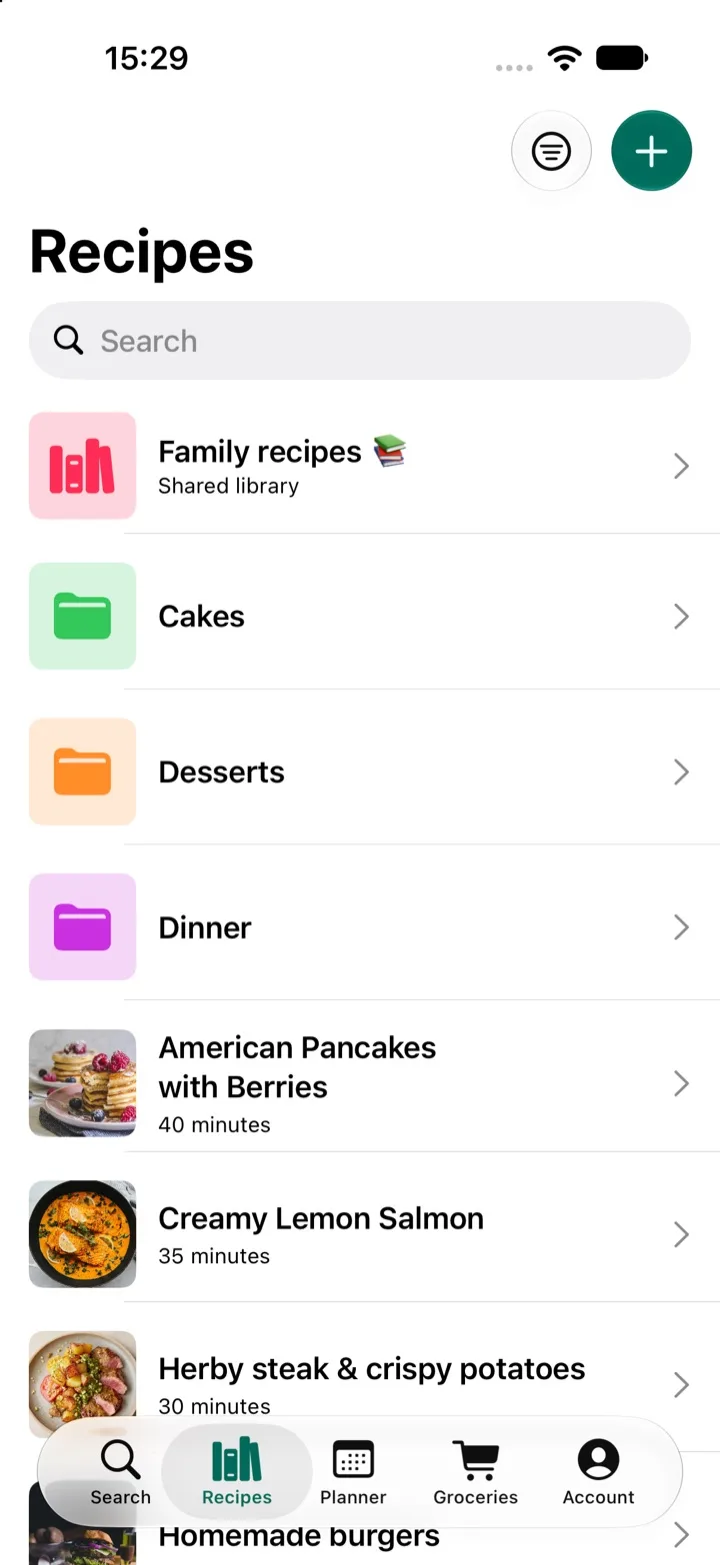
- Folders for cuisines, diets, occasions or whatever makes sense to you.
- Search by title or by ingredient. Type "lemon" to find every recipe that uses it.
- Find new recipes by searching the web without leaving the app, then save the ones you like.
Built for actually cooking
A recipe keeper should be pleasant to use at the stove, not just a list of links.
- Scale servings. Cooking for two or for twelve? The ingredient amounts adjust for you.
- Cooking mode keeps your screen awake, so you're not tapping the screen with floury fingers.
- Add to your grocery list in one tap, sorted by category.
Share it with the people you cook with
Most recipe keepers are made for one person. My Recipe Pad lets you create a shared library, so your partner, your kids or your parents can open the same recipes and add their own. You can also send a single recipe by text or email, with or without your notes.
Your recipes stay yours
If you ever cancel your subscription, nothing is deleted or locked away. Your library becomes read-only, so every recipe you saved is still there when you want to cook it.
Questions
- Can I add my own recipes, not just imported ones?
- Yes. You can write a recipe from scratch, paste the text of one you already have, or import it from a link. Every recipe can be edited afterwards.
- Is My Recipe Pad free?
- You can download My Recipe Pad and try it for free. A subscription unlocks unlimited recipes, folders and premium features.
- What happens to my recipes if I cancel?
- They stay yours. Your library switches to read-only, so you can still open and cook every recipe you saved. You just can't add or edit recipes until you subscribe again.