
Why Facebook recipes get lost
Facebook is full of good recipes, in posts from friends, pages and cooking groups. But "Save post" only keeps a link, and finding it again means scrolling through everything else you've ever saved. Saving the recipe itself keeps it safe, even if the post is removed.
Save a recipe from a Facebook post
- Find the post with the recipe and tap Share.
- Open the iOS share sheet and choose My Recipe Pad. The import starts right away.
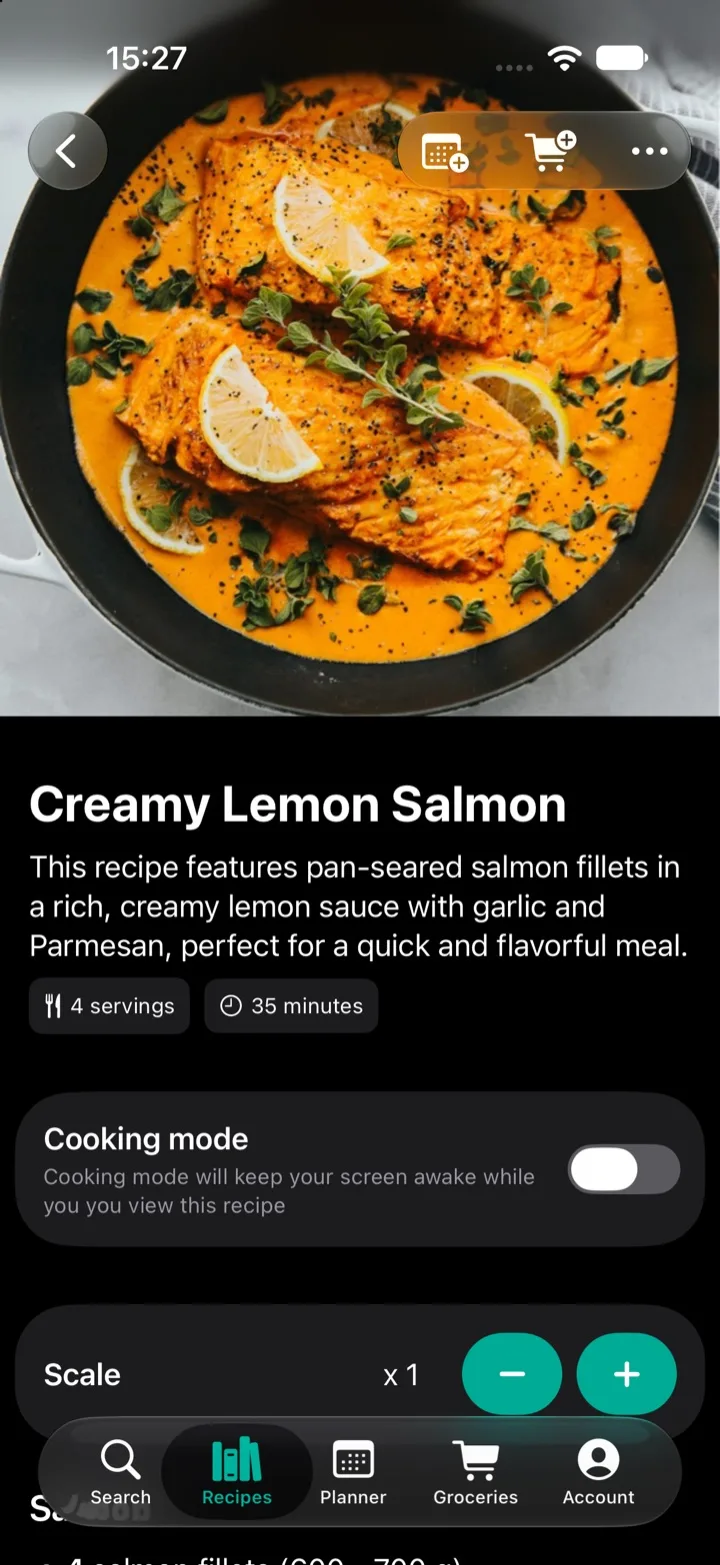
- Check the recipe and save it to your library.
The ingredients, amounts and steps are pulled out of the post text and turned into a structured recipe. You can edit anything that needs a tweak.
If the post links to a website
Many recipe posts are just a teaser with a link. In that case, open the link and share the recipe page to My Recipe Pad. The importer works with practically any recipe website, in practically any language.
Next steps
- Scale the servings for your household.
- Add the ingredients to your grocery list.
- Plan it for a day this week.
- Add it to a shared library so the rest of the family can make it too.
Questions
- Why didn't my Facebook recipe import?
- The recipe needs to be written out in the post. If a post only has a video or a photo of the recipe, there's no text to import. If the post links to a recipe website, open the link and share the website instead.
- Can I save recipes from Facebook groups?
- Yes, as long as you can open the post and the recipe is written out in it.