
Shop together, from one list
Whoever is at the store has the full list, and whoever is at home can still add to it. When an item is checked off, everyone sees it, so nobody buys the same thing twice.
Sorted by category
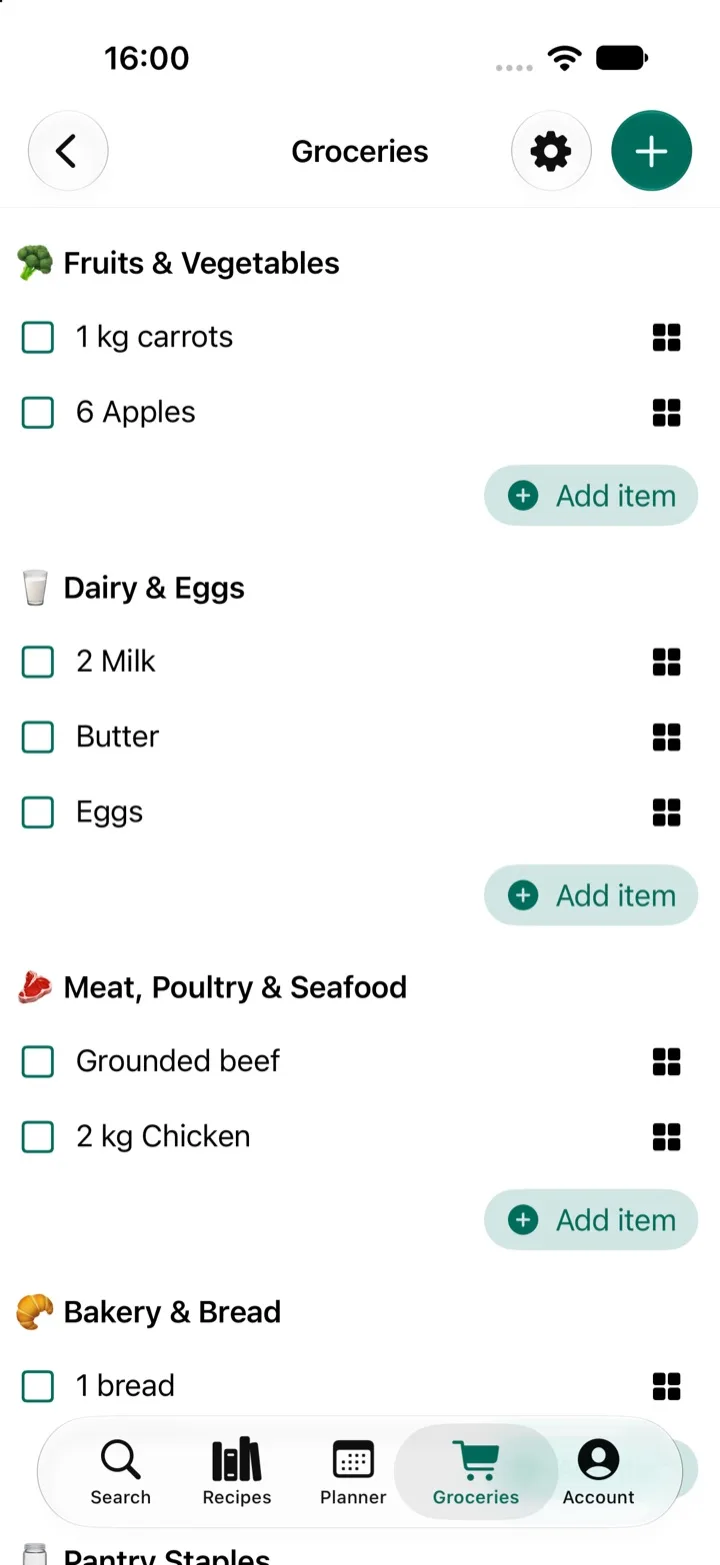
Items are grouped by category, so you can work through the store one section at a time instead of walking back and forth for the one thing you missed.
Recipes go straight to the list
Add the ingredients from a recipe, or from your whole week's meal plan, in one tap. Amounts follow the servings you chose, and you can still add anything else the house needs.
Made for couples, families and flatmates
- Couples stop texting "do we have onions?".
- Families see what's already on the list before adding it again.
- Flatmates share one list for the things everyone uses.
Part of the whole week
The grocery list works on its own, but it's best together with the rest of My Recipe Pad: save recipes from anywhere, plan the week together, then shop from one list.
Questions
- Do changes show up for everyone right away?
- Yes. When someone adds or checks off an item, the list updates for everyone you share it with.
- Is the list sorted by store section?
- Items are grouped by category, like Fruits & Vegetables or Dairy & Eggs, so you can shop one section at a time.
- Can I add things that aren't in a recipe?
- Of course. Add anything you need, like coffee, soap or snacks, next to the ingredients from your recipes.