
Why the Saved tab isn't enough
Saving a post on Instagram keeps a bookmark, not a recipe. To cook from it you have to find the post again, scroll through the caption and work out the amounts yourself, all while your hands are covered in flour. And if the creator deletes the post, the recipe is gone.
Saving it to a recipe app gives you a copy that's yours: searchable, editable and ready for the stove.
Save an Instagram recipe in four taps
- Open the recipe post in Instagram and tap the Send button (the paper plane).
- Tap Share to… to open the iOS share sheet.
- Choose My Recipe Pad. The import starts right away.
- When it's done, check the recipe and save it to your library.
The ingredients, amounts and steps are pulled out of the caption and turned into a structured recipe. You can edit anything that needs a tweak.
Tip: Move My Recipe Pad to the front of your share sheet so it's always one tap away. The Help Center shows how.
What you can do with it next
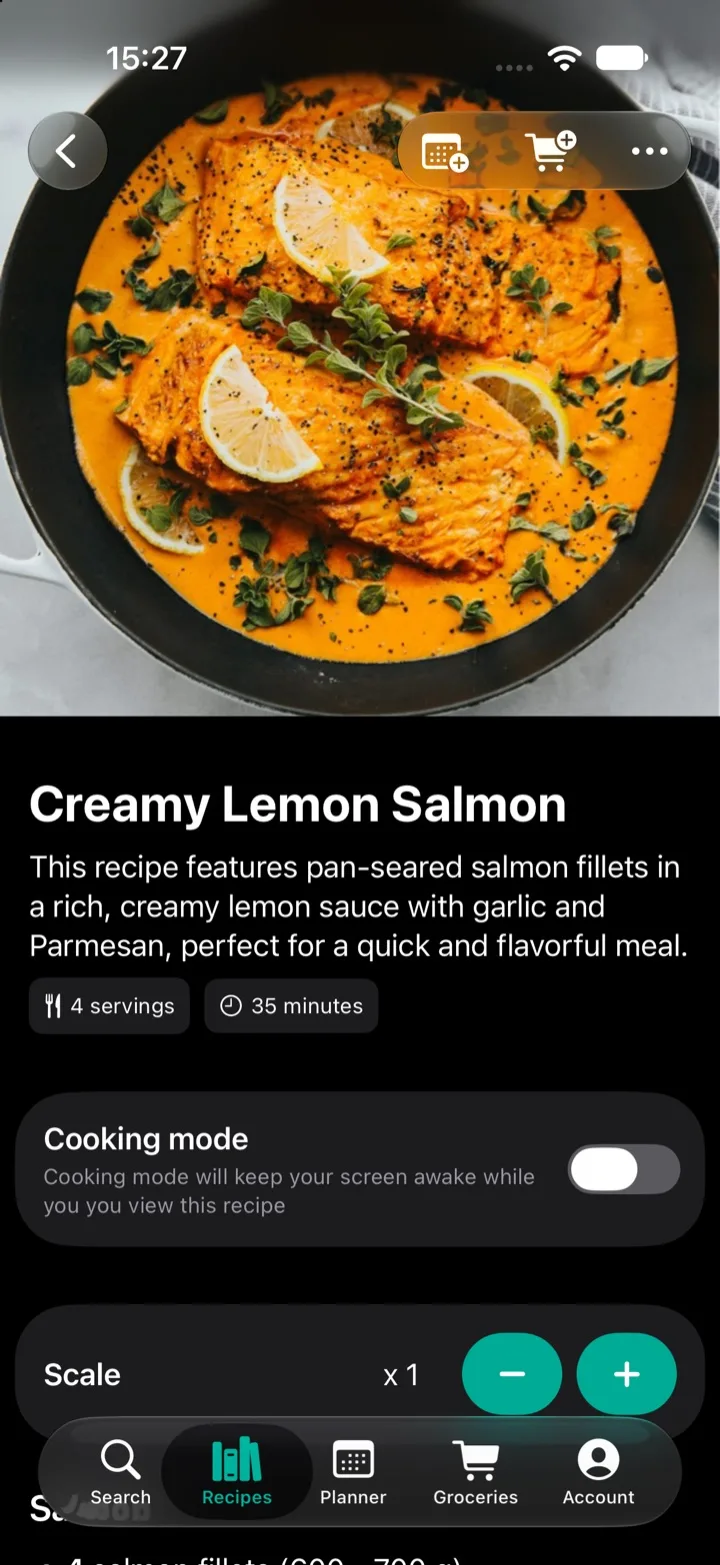
- Scale servings and let the amounts adjust.
- Add the ingredients to your grocery list, sorted by category.
- Plan it for a day this week in the meal planner.
- Put it in a folder or a shared library so your family can cook it too.
- Turn on cooking mode to keep the screen awake while you cook.
When a post doesn't import
The recipe has to be in the caption text. Some creators put the recipe in the video, in a photo, or on their website instead. If the caption links to a website, open the link and share that page to My Recipe Pad. For anything else, you can paste the text you have and edit the rest by hand.
If a recipe should have worked but didn't, send the link to support@sparkleap.io and we'll take a look.
Step-by-step with screenshotsRead the full guide in the Help CenterQuestions
- Why didn't my Instagram recipe import?
- The recipe needs to be written out in the caption. If a post only has a video or a photo of the recipe, there's no text to import. If the caption links to a recipe website, open that link and share the website instead.
- Do I need to save the post on Instagram first?
- No. Share the post straight to My Recipe Pad while you're looking at it.
- Does it work with recipes in other languages?
- Yes. The importer understands ingredients, amounts and units in practically any language.