
Cook from the counter
Prop your iPad up next to the stove and open a recipe. You get the ingredients and steps on the big screen, without the ads and pop-ups of the website you found it on.
Turn on cooking mode in the recipe and your screen stays awake while you cook. No more tapping the screen with floury fingers because it went dark halfway through the steps.
Need more or less? Scale the recipe with one tap and every ingredient amount updates.
Plan the week on the big screen
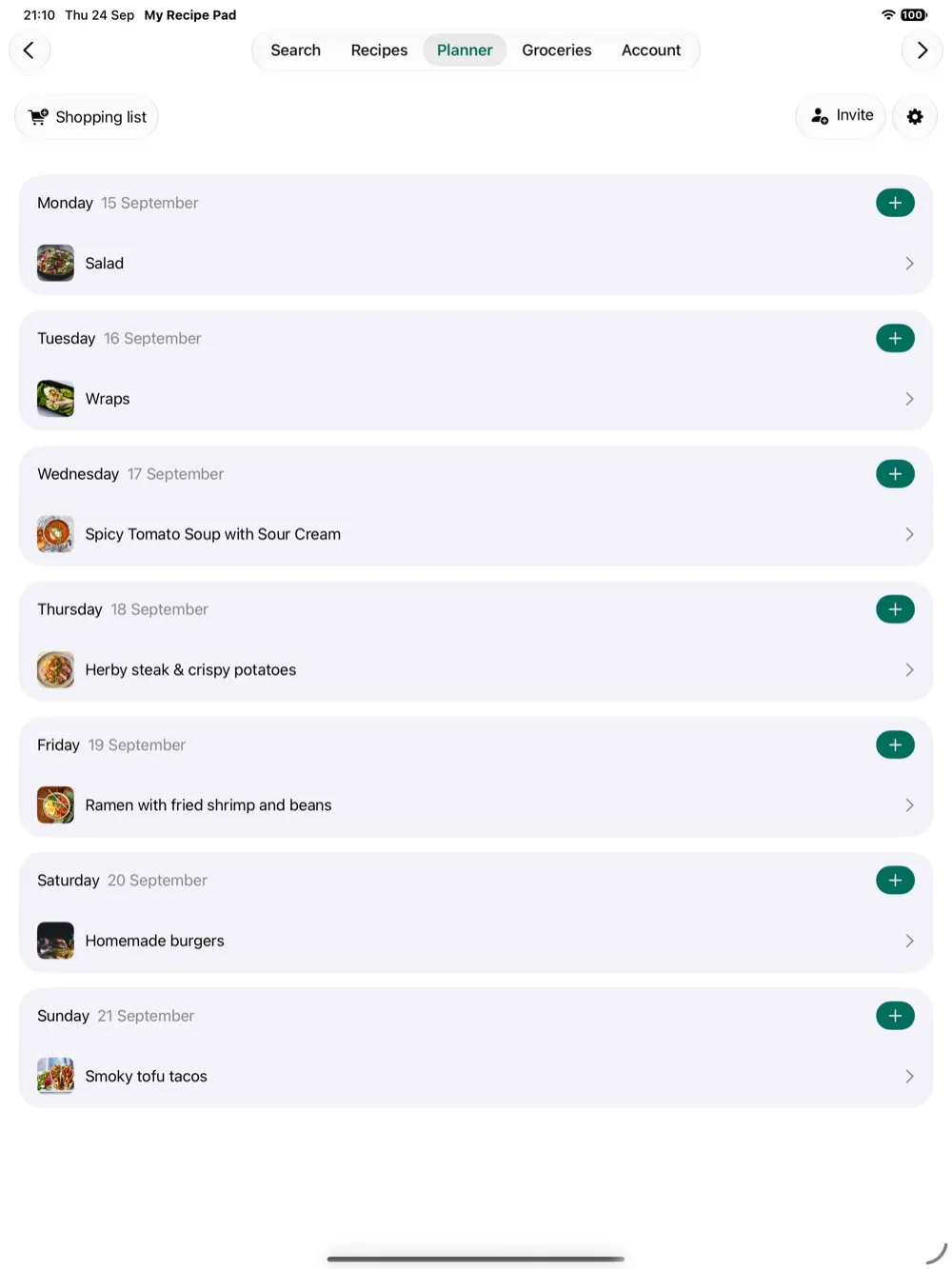
Meal planning is easier when you can see the whole week at once. Sit down on the sofa with your iPad, pick recipes from your library and add them to the days you'll cook them. Adjust the servings for each meal as you go.
When the week is planned, send it to your grocery list in one tap. The same ingredient from different recipes is added up into one line, with the amounts for the servings you chose.
Shop with your iPhone
Your iPad and iPhone show the same recipes, the same meal plan and the same grocery lists. Plan on the iPad at home, then take your phone to the store and tick items off as you go.
The same goes for everyone you share with. A shared grocery list stays in sync for the whole household, so whoever is in the store sees what's still needed.
Save recipes straight from Safari on iPad
Found a recipe while browsing on your iPad? Tap Share in Safari and choose My Recipe Pad. The importer pulls out the title, ingredients and steps for you. It works the same way for recipes from Instagram, Facebook and Pinterest, and in practically any language.
A native app for iPhone and iPad
My Recipe Pad is one app for iPhone and iPad, with the same recipes, folders and shared family library on both. Whichever device is closest, your cookbook is on it.
Questions
- Is the iPad app a separate purchase?
- No. My Recipe Pad is one app for iPhone and iPad. Download it on both and sign in with the same account.
- Are my recipes the same on iPhone and iPad?
- Yes. Your recipes, folders, meal plan and grocery lists are tied to your account, so a recipe you save on your iPhone is on your iPad too.
- Will my iPad screen turn off while I cook?
- Not with cooking mode turned on. Switch it on in the recipe and the screen stays awake for as long as you have that recipe open.