
Why the ingredients are so far down
Many recipe pages are long. Before the ingredient list there's often an introduction, tips, step-by-step photos and a few ads. That's fine the first time you read it. It's less fine the fifth time, with your hands covered in flour.
The quick fixes, and where they fall short
- The "jump to recipe" button takes you down the page, but only on sites that have one, and only for this visit.
- Reader mode in your browser strips the page down, but it doesn't always catch the recipe card, and it forgets the page as soon as you close it.
- The print view gives you a cleaner page, but then you have a piece of paper to keep track of.
- A screenshot keeps the ingredients, but you can't search it, scale it or tick anything off.
Each of these helps once. None of them helps the next time you want to cook the same dish.
Keep your own copy of the recipe
The lasting fix is to save the recipe itself, without the page around it. In Safari, tap Share and choose My Recipe Pad, or paste the link into the app. The full steps are in the guide to saving recipes from websites.
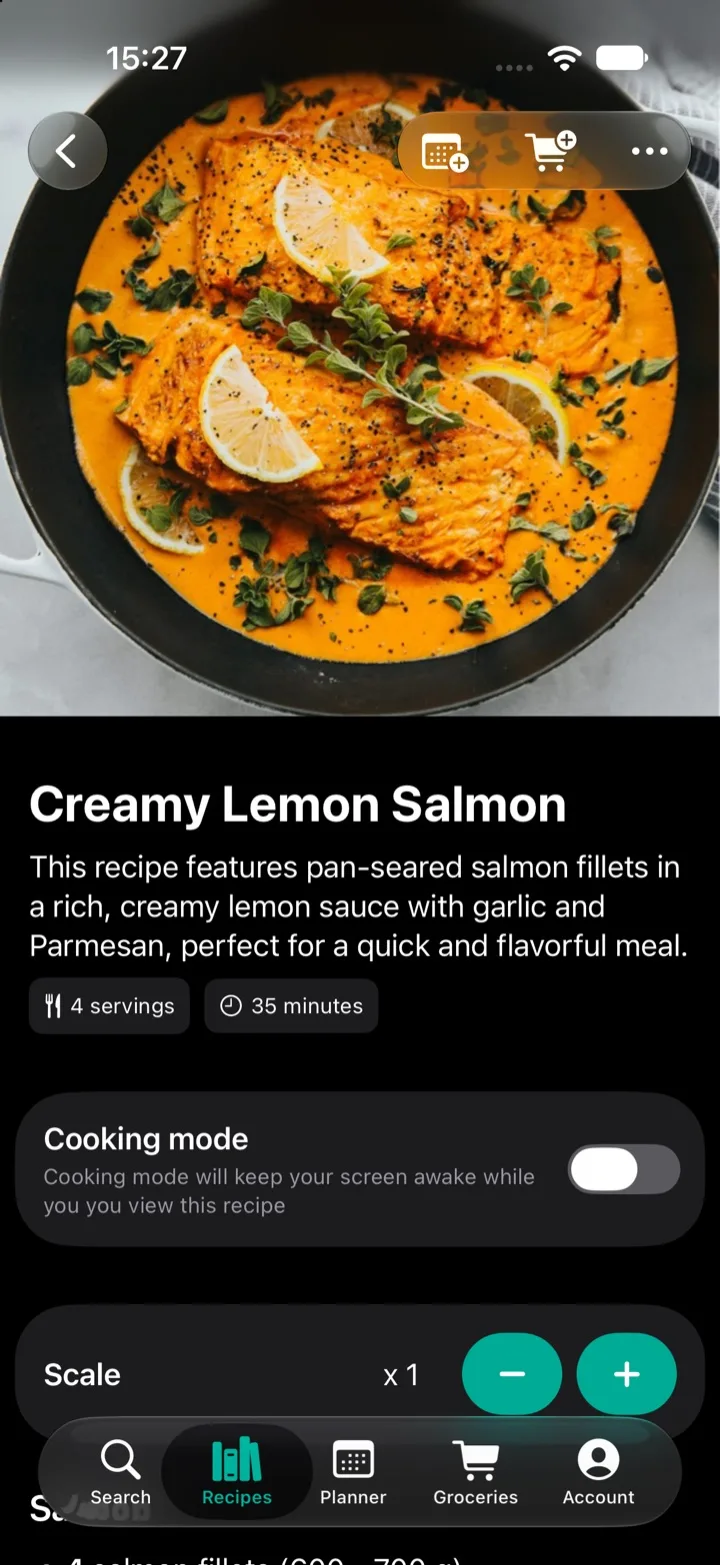
The importer pulls out the title, the ingredients with their amounts and units, and the steps. What you save is just the recipe: no ads, no pop-ups, no video and no story to scroll past. It works in practically any language, and the next time you cook the dish, it opens straight to the ingredients.
More useful than a clean page
Because the ingredients are understood rather than copied as text, a saved recipe can do more than the page it came from:
- Scale it. Make half or double, and every amount updates.
- Shop for it. Send the ingredients to your grocery list.
- Plan it. Add it to a day in your meal plan.
- Make it yours. Edit anything and add your own notes.
- Keep the screen on. Cooking mode stops your screen from going dark while you cook.
Your own cookbook, built as you go
Every recipe you save adds to a cookbook of food you actually want to make. Sort it into folders, search it by ingredient and share it with your family. Next time, dinner opens straight to the ingredients.
Questions
- Is the recipe still credited to the site I found it on?
- Yes. My Recipe Pad keeps a link to the page you imported from, so you can always go back to the original.
- Can I change a recipe after saving it?
- Yes. Every part of the recipe can be edited, and you can add your own notes, like "use less sugar" or "double the garlic".
- What if a recipe doesn't import?
- Send the link to support@sparkleap.io and we'll take a look. You can also paste the recipe text and the importer will sort out the ingredients and steps.